🛣️Roads and access routes
⛰️Slopes and landscaping
🧱Retaining and wing walls
🔗Link to the Structural object
Module function
Everything that belongs to a bridge — in one place
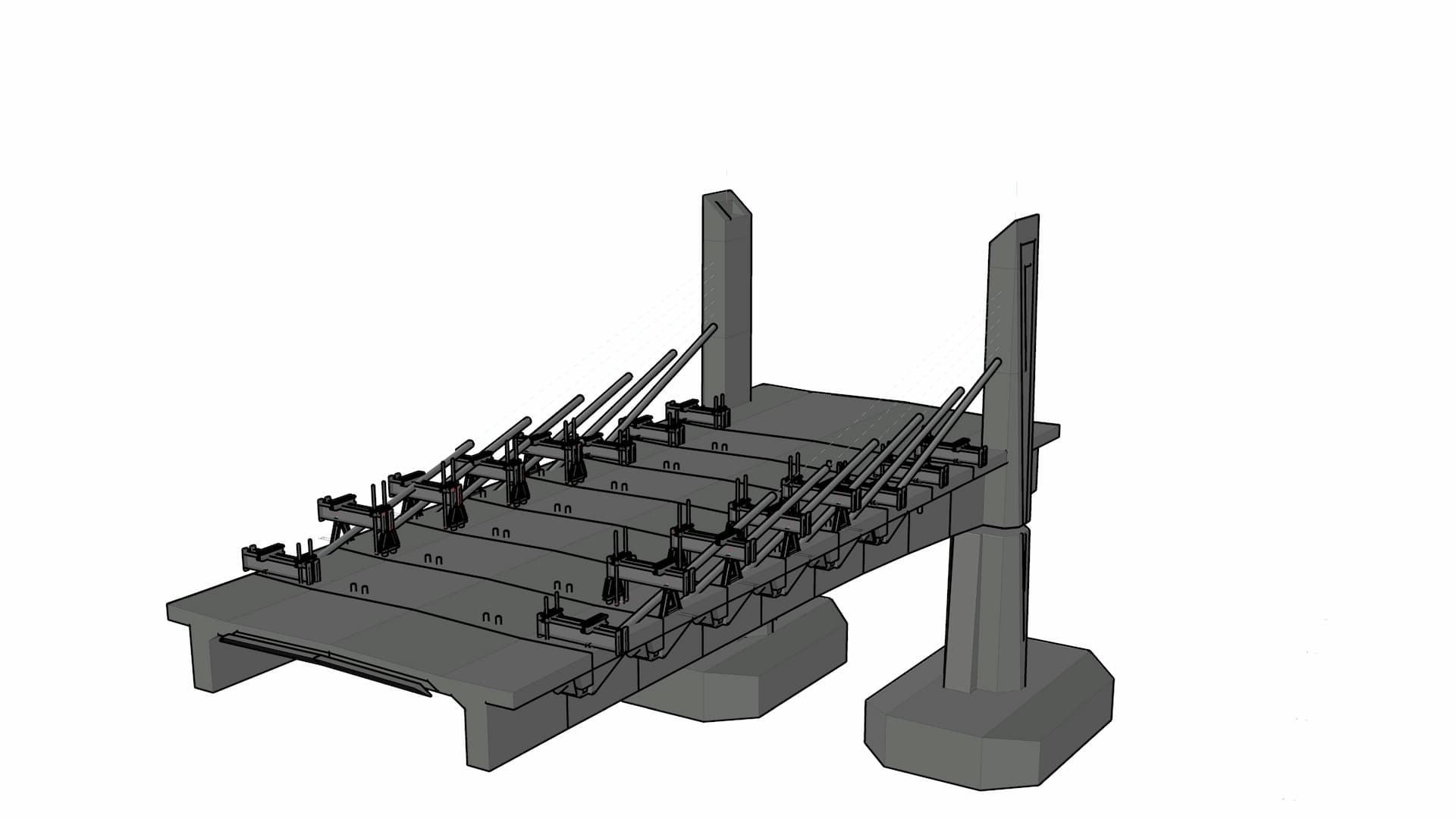
A bridge isn't an isolated object. It has approach roads, graded slopes, retaining walls, wing walls, landscaping. You design all of this — and all of it has to go into the documentation.
The Surrounding objects module gives you the space to model these related objects directly in the Easy Bridge® environment. No switching tools, no loss of context.
- Modelling of approach roads and paved areas
- Creation of slopes and landscaping following the terrain
- Retaining walls, wing walls and similar objects
- Any other related structures as the project requires
- Each object modelled separately, then assembled into a whole
Modules working together
The basis for the Structural object
The outputs of the Surrounding objects module feed directly into the Structural object module. There they combine with the bridge geometry, structural elements and details into a single coherent 3D model.
What you model here appears in the overall model exactly as it is. No rewriting, no duplicate work.
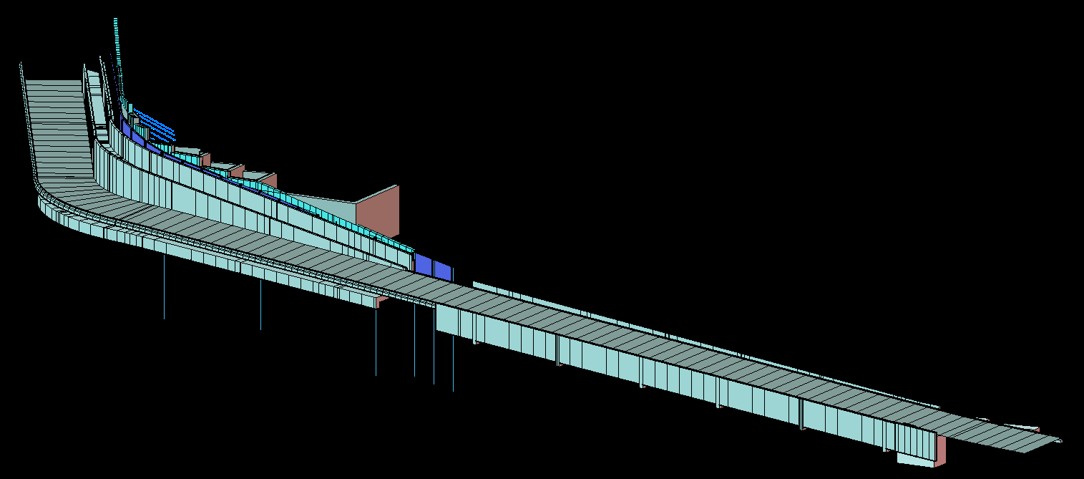
Surrounding objects in the context of the whole structural object