3D design workflow

Design can be
calm.

Even when there's a lot of it.
As long as the tool doesn't slow you down.

A bridge engineer is an architect. A creator of monumental structures. Software shouldn't dictate the shape of the structure — it should give them freedom and take care of the rest. Easy Bridge® combines design freedom with automation so you can work with focus and without needless stress.

A bridge engineer is a creator.
The tool should serve them.
Not the other way round.

You design monumental structures.
Software shouldn't dictate how a bridge should look.

Bridge engineers are architects. Creators. We understand that — we're designers, just like you. Easy Bridge® was born from the conviction that a tool should serve the design, not constrain it.

That's why you won't find closed libraries in it that push you towards standard solutions. Any cross-section, any geometry — you enter it all freely, according to what the project calls for.

Design freedom + automation of the routine. In exactly that order.
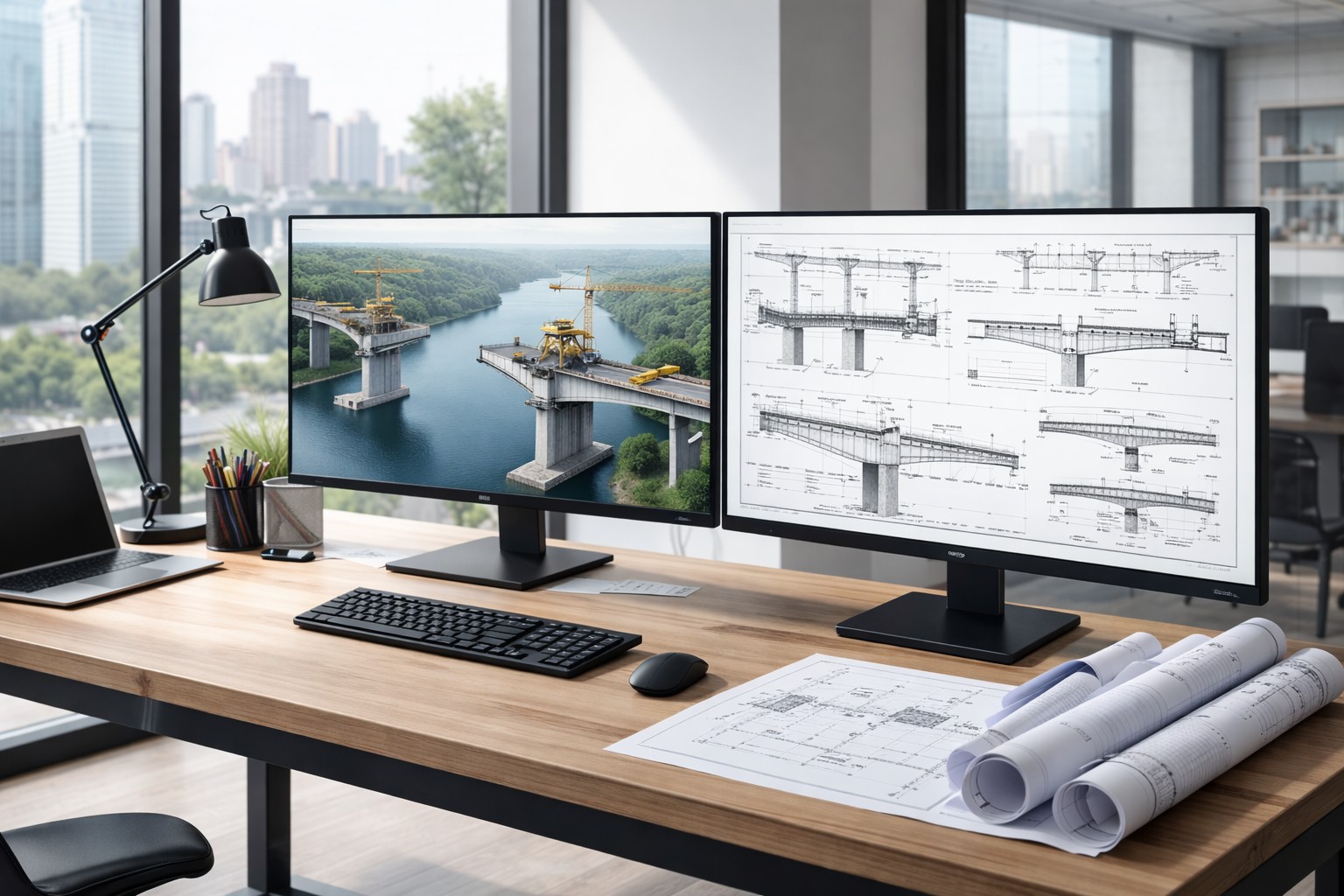
Your design in Easy Bridge®

No libraries. No compromises.

Three things that give the designer calm in their hands and their head in Easy Bridge®.

01

Any cross-section, no templates

You don't pick from a catalogue, you don't set dozens of parameters. You enter your own geometry — exactly what the project needs. Standardised solutions are a good tool in a designer's hands. But they shouldn't become their cage.

02

Draw it in AutoCAD — one click into the program

Already drawn the cross-section or shape? Click it and Easy Bridge® takes it over. No retyping parameters, no dialogs. It's faster than picking from a library.

03

Automation takes care of the routine

Connections, carriageways, cornices, bearings, take-offs — these are repetitive steps. We've already solved them. You have the room to focus on the design, not on how to get to the result.

The model doesn't appear after the project.
It takes shape during it.

The traditional way: you design, then you laboriously draw up drawings so someone can picture it, or so disciplines can exchange it. In Easy Bridge® the model takes shape right as you design — and it's your communication tool at the same time.

1

You design

You work out the alignment, the cross-section, the structure. The project takes shape directly in 3D — without “modelling“ separately.

2

The model communicates

The structure connects to the surrounding objects — terrain, roads, existing structures. Other disciplines have the basis immediately.

3

You refine

You make changes in the model — quickly, clearly, with instant feedback. No parallel worlds of drawing and design.

4

Documentation

Once the model is refined, the documentation is produced. Drawings, take-offs, BIM outputs — smoothly, from what you already have.

⚡

The model takes far less time than drawings. For presentation, for exchange between disciplines, for the client. And once you have it, documentation is no longer the project — it's just its output.

Salt and pepper.
Neither gives flavour without the other.

The designer and the structural engineer aren't a hierarchy. They're two different kinds of mastery — and each needs the other for the structure to come about. Easy Bridge® gives each of them room to do what they're at home in.

Designer

The joy is in the design.

Modelling the structure, searching for the best solution, the decisions that give the structure its shape. That's the space where the designer feels most free — and where Easy Bridge® leaves complete freedom. No templates. No constraints on the software's part.

  • A focused, creative phase
  • Full freedom in geometry and structure
  • The model becomes a precise reference for a colleague
Structural engineer

The joy is in the detail.

There are people who love exactly the reinforcement, the dimensions, the rebar drawings, the annotations and the precision of a drawing. For them the 3D model is a gift — the basis is complete and refined, nothing is reopened from scratch. What remains is the essential: craft and the calm for detail.

  • A refined model as a clean basis
  • Room for precision and craft
  • An equally important part of the path to a finished structure

Common practice vs. designing with Easy Bridge®

The difference isn't in the number of clicks. It's in what goes on in your head during the day.

Common practice

Design + drawing overlapping.

Engineers both design and draw. But during drawing there's often still designing going on — while dimensioning, new facts come to light and details get fine-tuned “on the fly“.

The result: mentally demanding, stressful, confusing. Errors surface late. The time estimate is still only an estimate.

Easy Bridge®

Design and drawing separated.

You lock the structure in the model. Drawing the documentation is then only about dimensioning and annotation — mechanical work that goes quickly and without full mental effort.

The result: a clear process, less stress, predictable time. Even in a small team or as an individual.

Design in 3D.
Don't model after 2D.

This single principle holds the whole difference between BIM as a burden and BIM as something that lightens the work.

Burden

First 2D. Then 3D “on top".

The project is created in 2D drawings. Only then is a 3D model added to it — because the client, the investor or BIM legislation wants it. It's one extra hour after another. BIM becomes a tax nobody values.

Benefit

You design straight in the 3D model.

The model takes shape during the design — it's your natural workspace. 2D drawings, take-offs, BIM outputs come out of the model as a by-product. BIM becomes a relief and a speed-up. Not a burden to be handled on top.

The difference isn't whether BIM is hard. The difference is when it enters the process.

The best investment
is an investment in yourself.

Tools improve every year — and that's true across the whole market. Regardless of which company builds them, development moves forward. Future versions will be better than today's. Creating drawings will keep getting simpler, and automation will come to do more for you.

But this growth belongs only to those who are already in the 3D space. Anyone still working the 2D way and modelling “afterwards" loses not only time — they also lose the head start that builds up over the years.

A designer who moves to 3D design today will be in a different position in a year, in two, in five, than one who waited. The technology develops without you. The experience of it, though, only with you.

The sooner you make the move, the sooner you grow.

One step

The end of fighting the tool.
The start of design.

Designers who moved to Easy Bridge® don't go back to the old way of working. Not because they can't. Because they no longer want to. Because they remembered how it feels to do what they love.

We won't convince you with words.
Nor do we want to.

Try it.

Try for free →

— Easy Bridge®. Built by bridge engineers. For bridge engineers.

Limited offer
Founding Clients 2026 →